

Guide d'utilisation
Calendar
View your performance on a monthly calendar.
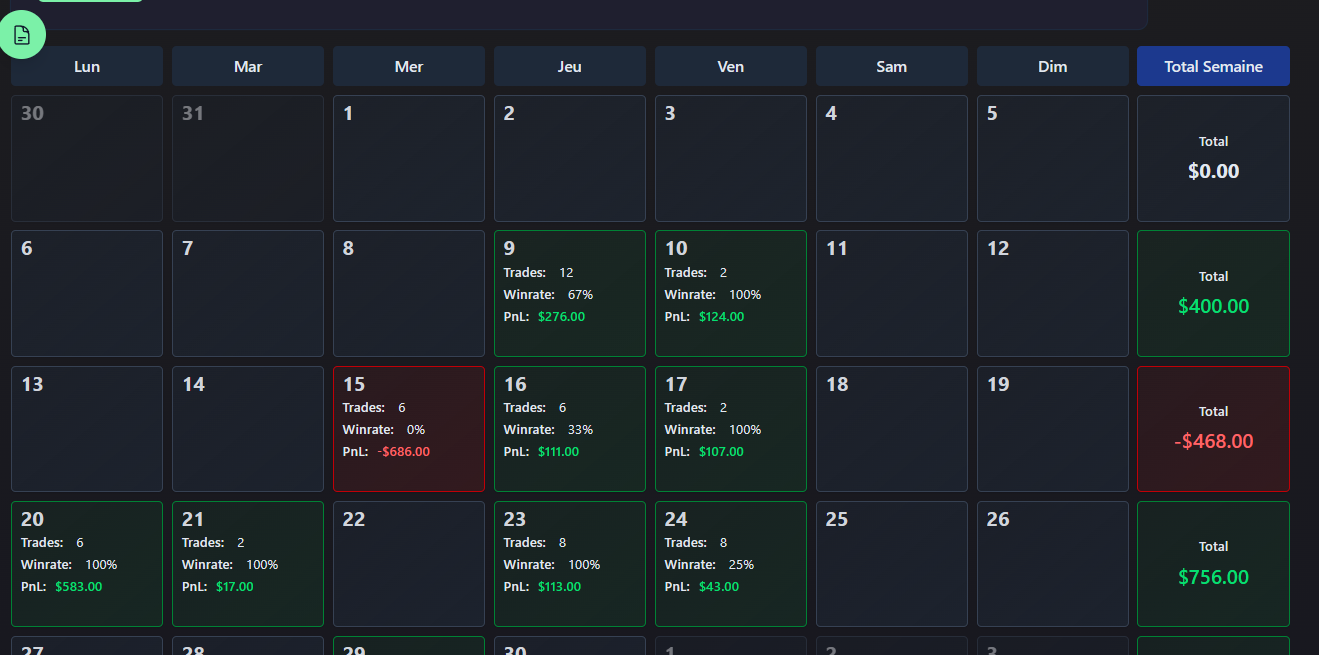
The calendar displays your performance day by day as a monthly grid.
Navigation
- Previous / next month: Navigation arrows
- Click a date: Shows all details for trades made that day
P&L Colors
Each day is colored based on P&L:
| Color | Meaning |
|---|---|
Green | Winning day |
Red | Losing day |
Gray | No trades today |
Calendar mode in daily view
The P&L calendar is also visible in the daily view as a sidebar widget for quick navigation between months. You can enable or disable it in Settings → Options.